Guide
How do I keep track of book and film recommendations from TikTok and Instagram?
Keep the titles, not the posts. Share each post that recommends something into an app that writes down what it recommends. In SortBridge, you share the post from TikTok, Instagram, Reddit or YouTube, and it lists every book, film and show named, matched to a real record, for you to tick. They land in separate lists for books, films and TV that you can search later.
Why doesn't the saved folder work?
A saved folder stores a video. It has no idea a book was mentioned in it, so you cannot search it by title or author, and every app keeps its own separate pile. Months later you scroll past the post without recognising the thumbnail. The recommendation was fine; the storage was the problem.
What can an app actually read from each platform?
Less than you might hope, and it differs by platform. The honest version:
| Shared from | Read from the link | For the rest |
|---|---|---|
| TikTok | The caption and preview image | Record your screen while it plays |
| The caption, when Instagram publishes one, and the preview image | Record your screen, or take screenshots | |
| The post itself, not the comments | Record yourself scrolling the comments | |
| YouTube | The title and description | Record your screen while it plays |
| Articles | The headline and summary | Screenshot a long list |
There is no scraping and no login: SortBridge reads what a platform publishes for link previews, or what you hand it.
What if the titles are only on screen or said aloud?
That is most BookTok. The caption says "books that ruined me" and the titles are held up to the camera. For those, start a recording from SortBridge, watch the post, and stop. Your phone reads the text on screen and transcribes what was said, then sends only that text. The recording itself never leaves your phone.
The same trick fixes Reddit, where the real recommendations are in the comments: record yourself scrolling through the thread.
How do you find a recommendation again later?
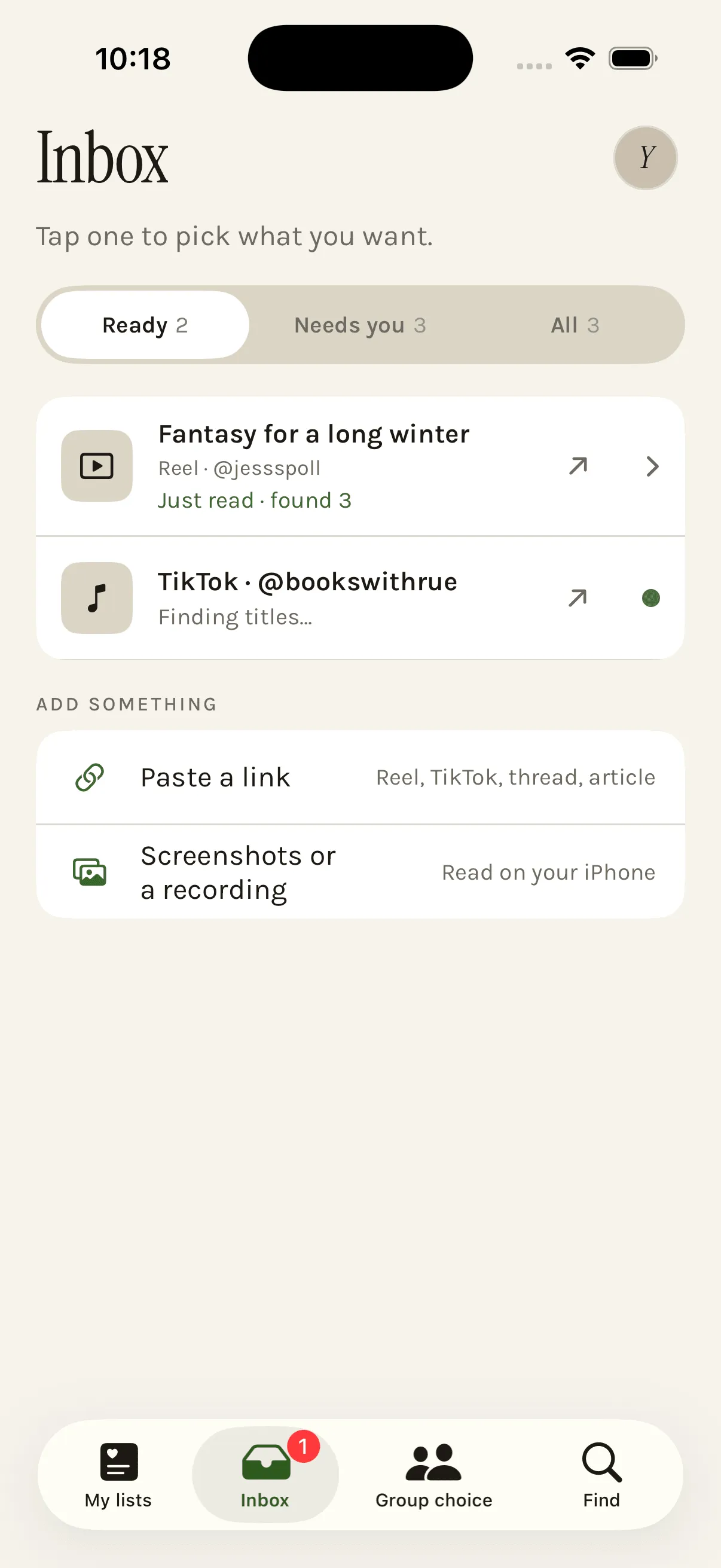
Each saved post gets a short summary and a few tags, so you remember why you saved it: "Fantasy for a long winter", tagged "cozy mystery" or "enemies to lovers". Each title keeps who recommended it and their line about it. Then search by title, author or who told you, or filter by list, genre, tag or mood. Films and shows show where to watch them in your country.
Do you have to type anything?
No. A video naming fifteen books becomes fifteen rows, already ticked except the ones the creator warned you off. You untick what you do not want and save the rest. Swipe a title to mark it done or delete it. If you want something nobody posted about, add it by hand from the catalogue search.
More detail for books from BookTok and Bookstagram and for films and TV. Got a backlog already? See what to do with all those saved posts.
Questions
Does SortBridge download TikTok or Instagram videos?
No. For a link, it reads only what the platform publishes for link previews: the caption and a preview image. Anything only shown or said in the video comes from your own recording of your own screen, which is read on your phone and never uploaded.
Does it need my Instagram or TikTok password?
No, and it never asks. Nothing connects to your accounts. You share a post into SortBridge the same way you would send it to a friend.
What if it finds the wrong title?
Untick it. Nothing goes into your lists until you confirm it, and titles a creator warned against arrive unticked. You can also add a title by hand from the catalogue search.
Can it read a recording in any language?
Speech is transcribed on your iPhone in English for now. Text on screen is read either way.
Try it on your own list.
SortBridge is in private testing on iPhone. Leave your email and we will let you in.
One email when the TestFlight opens, one when it hits the App Store. Nothing else, and no sharing your address: here’s the policy.